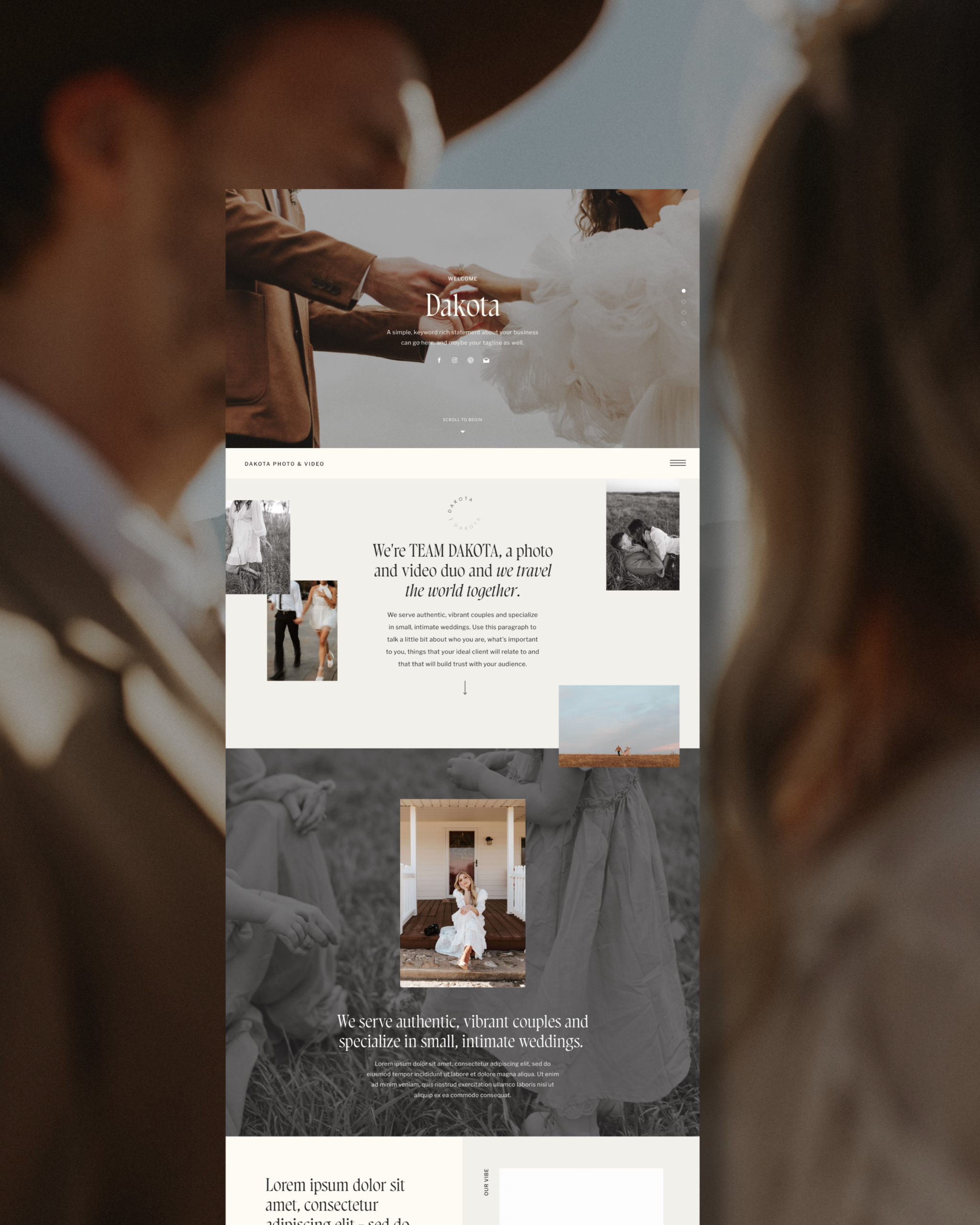


If you’re a business owner with a Showit website, there’s one part of your site that often gets pushed to the bottom of the to-do list. Legal pages.
They’re not creative. They’re not exciting. And they usually feel confusing or overwhelming, which makes them easy to avoid. But they quietly play a huge role in protecting your business and your work.
If your Showit website is live or about to be, there are two pages you should have in place. A Privacy Policy and Terms and Conditions.
Why legal pages matter on a Showit website:
Your website is not just a portfolio. It is a tool that collects information, communicates expectations, and represents your business publicly.
If you use Showit, chances are your site includes at least one of the following:
- A contact or inquiry form
- An email signup
- A booking or scheduling tool
- Google Analytics or other tracking tools
- Embedded third-party platforms like HoneyBook, Dubsado, Flodesk, or Calendly
The moment your Showit website collects any kind of personal information, legal pages stop being optional and start being necessary.
Let’s break down the two most important ones.
1. Privacy Policy (non-negotiable)
If your Showit site collects personal data in any way, you need a Privacy Policy page.
That includes names, email addresses, phone numbers, and even passive data collected through tools like Google Analytics or Meta tracking.
A Privacy Policy explains:
- What information you collect
- How that information is used
- How it is stored or protected
- What third-party tools may have access to that data
Even if your Showit website only has a simple contact form, a Privacy Policy still applies. This page is required in many situations and is one of the first things auditors and legal reviewers look for.
On a Showit website, your Privacy Policy should live on its own text-only page and be linked in the footer so it is accessible from every page of your site.
2. Terms and Conditions (protects you, not the visitor)
Terms and Conditions are often misunderstood, but they are incredibly important.
This page exists to protect the business owner, not the website visitor.
For Showit websites, Terms and Conditions commonly cover:
- Website usage terms
- Intellectual property and copyright
- Limitations of liability
- How disputes are handled
- General disclaimers about site content
Even if you already use contracts with your clients, your website itself should still have Terms and Conditions. Website use and client services are two separate things.
Like your Privacy Policy, this page should be text-only and linked in the footer of your Showit site. Here’s a video explaining how to create/set up these pages.
What should you put on these pages:
Just like your client contracts, Privacy Policies and Terms and Conditions should technically be drafted by a lawyer.
That said, many business owners use professionally drafted legal templates as a practical and realistic starting point.
There are reputable fill-in-the-blank legal templates you can purchase, customize, and then copy onto your Showit website. This is often the most accessible option for small business owners who are not ready to work directly with a lawyer. Here’s a Terms and Conditions/Privacy Policy bundle that I recommend!
What matters is that the language is professionally written and tailored to your business, not copied from someone else’s website.
What not to do with your Showit legal pages:
There are a few common mistakes I see all the time.
Do not copy and paste someone else’s Privacy Policy or Terms and Conditions. This can create serious legal issues and does not actually protect you.
Do not rely on AI-generated legal documents. These are not reviewed by licensed attorneys and are not a substitute for professionally drafted legal templates.
Legal pages are one area where shortcuts tend to backfire.
Where these pages should live on a Showit website:
On Showit, the best practice is to:
- Create separate text-only pages for Privacy Policy and Terms and Conditions
- Link both pages in the footer
- Keep them accessible across your entire site
Showit makes this easy to implement, but the responsibility for the content itself still belongs to the business owner.
A quick disclaimer:
I am not a lawyer, and none of this is legal advice. My goal is to educate and help business owners understand what their Showit website needs in order to be set up responsibly.
Having these pages does not guarantee legal compliance. But not having them puts your business at unnecessary risk.
Final thoughts…
Legal pages are not the most exciting part of building a Showit website, but they are one of the most important.
A Privacy Policy protects your visitors.
Terms and Conditions protect you.
If your Showit website is collecting information, these pages should not be an afterthought.
They are part of building a professional, sustainable business, even if no one ever clicks on them.